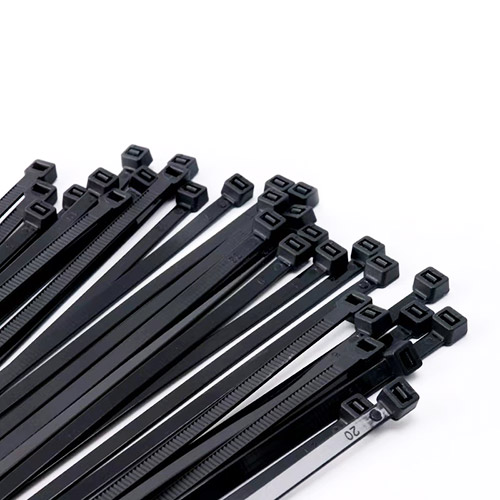
Cable gland connectors secure cable connections for safety, unobstructed transmission, and sealing. Below is a streamlined guide to their key info, plus insights on pairing with cable ties and working with manufacturers:
1. How to Identify Cable Gland Connector Size
First confirm the matching cable size (key for selection):
- Check the cable insulator for printed marks (e.g., AWG specs at text string ends).
- If unmarked, cut the cable (without damaging it) to measure cross-sectional diameter (in inches), then divide by 45 to get the suitable cable size.
- Auxiliary checks: Confirm cable color (common: black, red, white/neutral, green/ground) and its use scenario to verify compatibility.
2. How to Choose a Cable Gland Connector
Cooperate with a professional manufacturer to pick the right one by focusing on:
- Cable parameters: Type (shielded/braided), material, cross-sectional dimensions.
- Environment/installation: Location constraints, electromagnetic interference, waterproof needs (e.g., IP rating), and if for hazardous areas.
- Functions: Mechanical protection, grounding, resistance to metal reaction (e.g., nickel-plated glands for chemical stability); for armored cables, check inner layer size, armor material, and short-circuit rating.
- Matching details: Thread type (metric/PG) and depth, if plugs are needed for unused entries, and color requirements (if any).
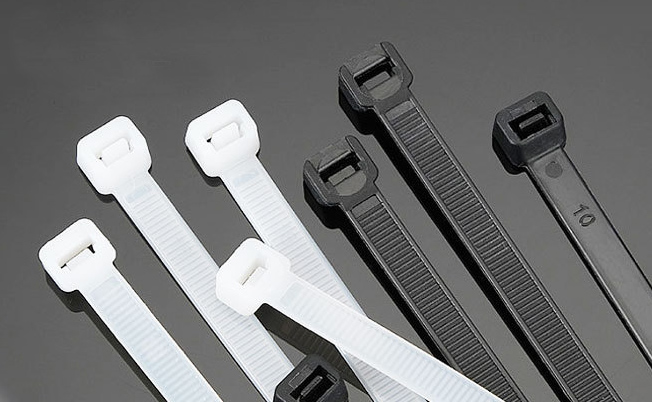
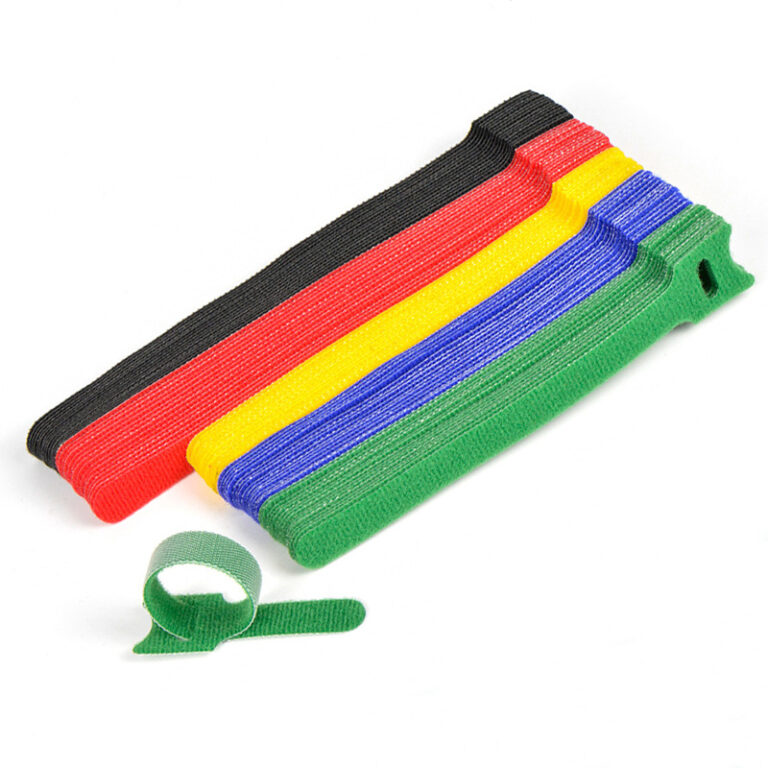
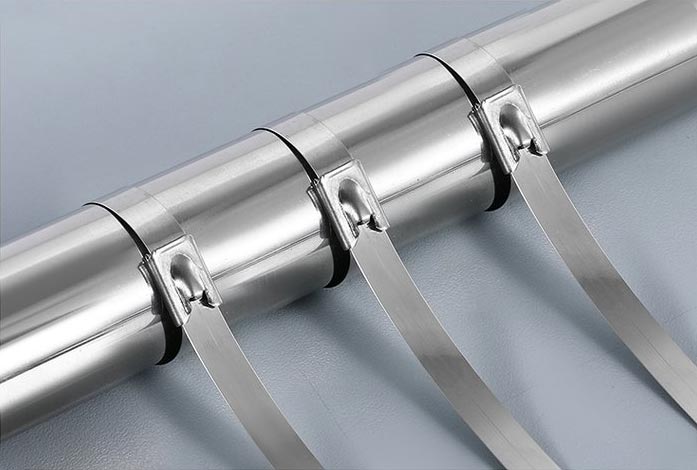
Note: Pair with cable ties (recommended by manufacturers) for neat cable management during installation.
3. How Waterproof Cable Gland Connectors Work
Waterproof performance depends on material + professional installation + inspection (guided by manufacturers):
- Use quality waterproof materials (model-matched, ensured by reliable manufacturers).
- Have professionals install accessories in correct positions; avoid random installation.
- Prep cable ends: Treat exposed metal wires (reduce exposure, clean stray threads) to prevent leakage.
- Inspect after installation: Check for worn accessories (e.g., plastic tubes) or loose screws, replace/tighten timely.